Give your AI agent design taste.
Pick a template, hand it over.
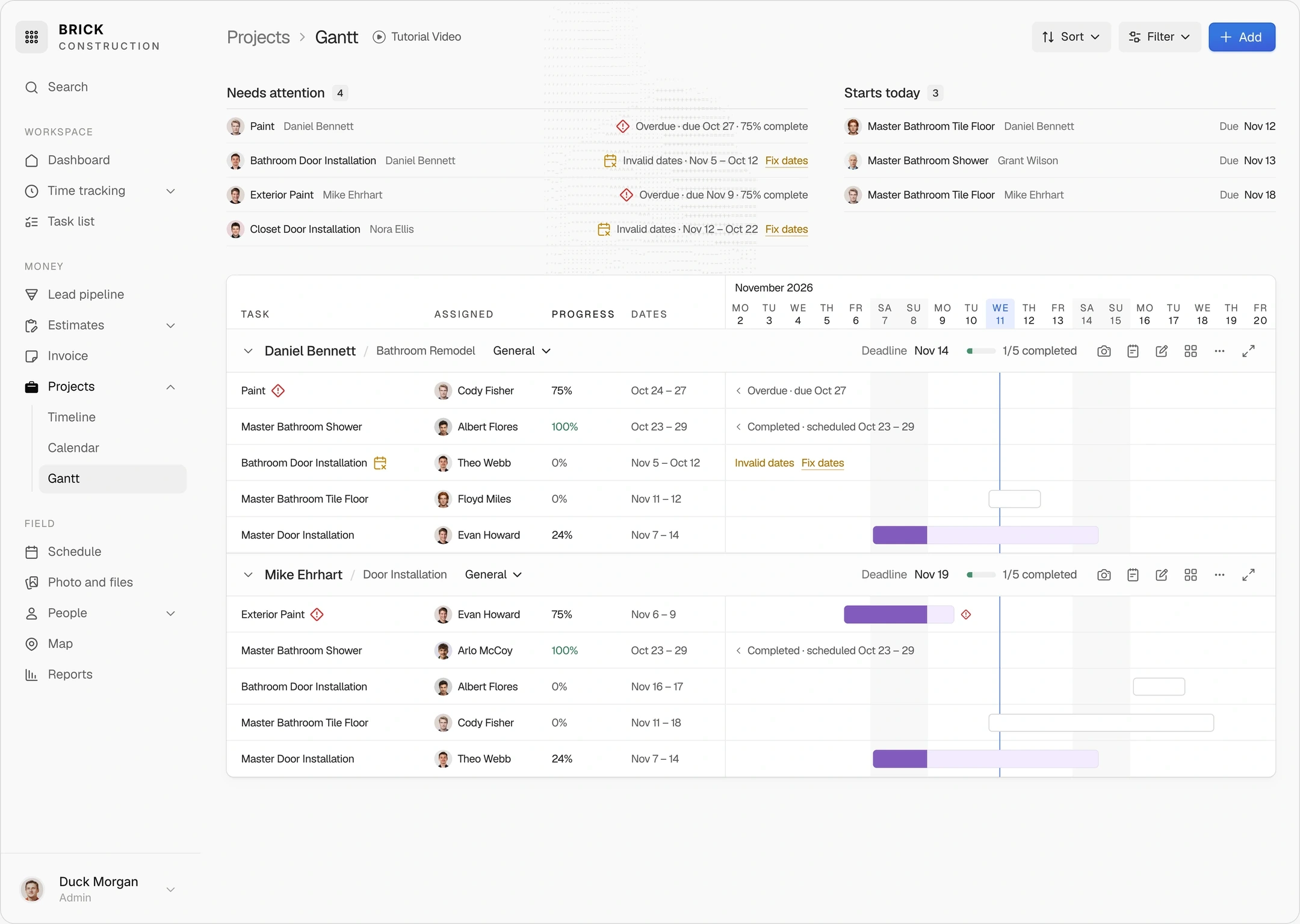
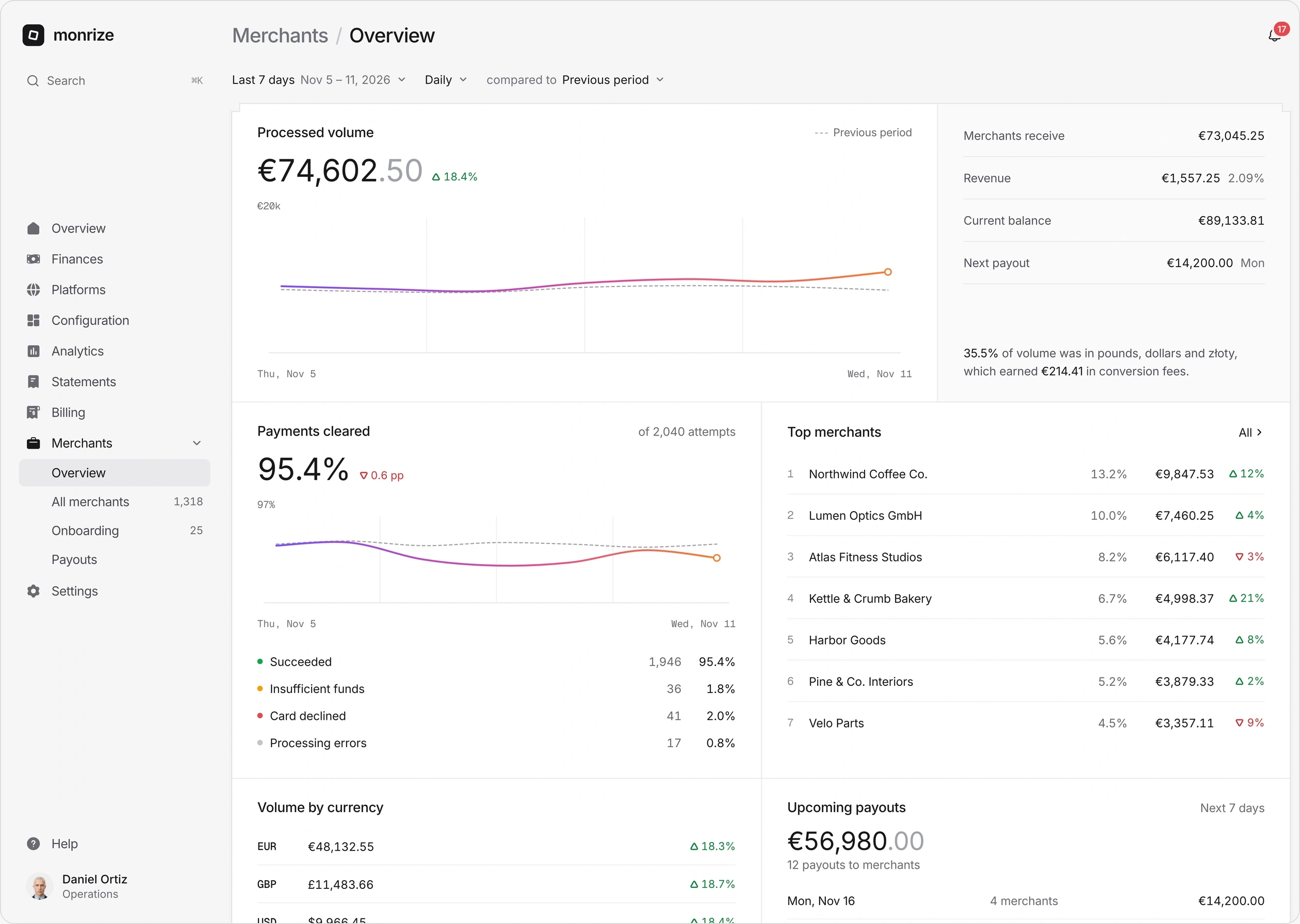
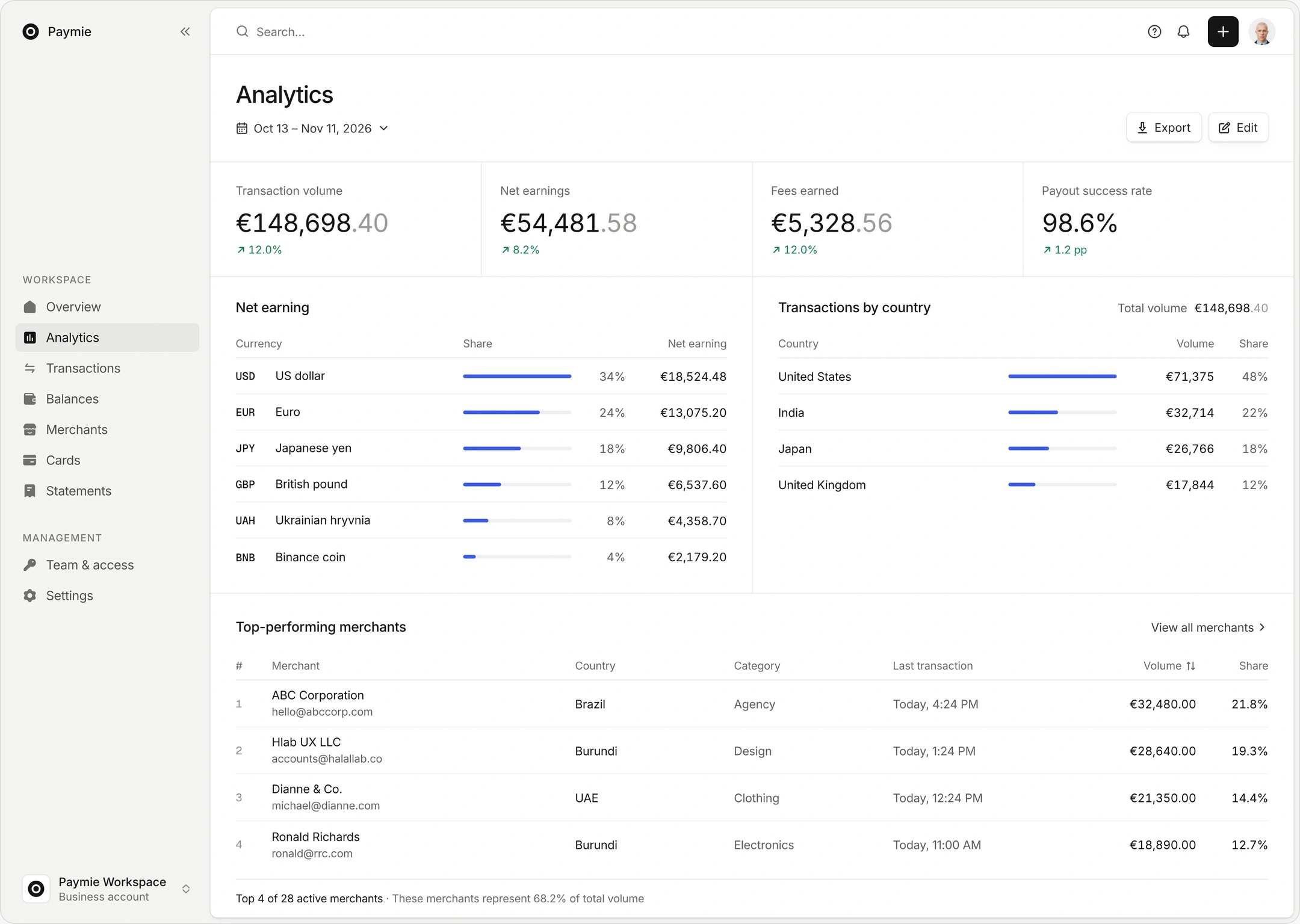
Each HugeUI template is a page our designers handcrafted down to the small decisions: buttons, tabs and their active states, breadcrumbs, the sidebar, icon and text sizes, tables, spacing and hover. Hand it to your agent, and it builds your product with that exact taste.
Your agent can build anything.
It just doesn’t know what a good button looks like.
Or a good tab, or a good sidebar. So you collect references from other apps: “follow this one for the dashboard, that one for this page.”
It takes time. And your agent still needs prompt after prompt to get the buttons, tabs and states right.
The taste is already decided.
By designers, down to the small parts.
In every template our designers set exactly how these look and behave:
- 01Primary and secondary buttons
- 02Tabs and their active states
- 03Sub-tabs and breadcrumbs
- 04The sidebar
- 05Icon and text sizes
- 06Dropdowns and tables
- 07Spacing and density
- 08Hover, and how a dropdown opens
All of it comes with the template, so you don’t have to explain quality to your agent.
We give your agent the taste.
You and your agent decide the UX.
- What a template gives
- Visual taste: components, type, icon sizes, spacing and states. Sometimes small interactions too, like a button’s hover, how a dropdown opens or how the sidebar behaves.
- What it leaves to you
- UX rules and page structure. We don’t know your product, your users or your goals, so strict UX rules would break your plan. You and your agent decide the UX. The template makes it look and feel top-class.
Open your project on the canvas.
Free, on your computer.
Set up HugeUI in this project: install the `hugeui` package, run `npx hugeui` to open the canvas, and explain how to use it.
Paste it into Claude Code, Cursor or Codex. Your agent sets it up and shows you how to use it.